
Applicatie
Recover your Vercel source
Sign in, run a free scan, then start recover when you have enough tokens. Token security guide →
TutorialVideoHow to use Vercel Recovery+
Watch this short walkthrough of signing in, connecting your Vercel token, running a free scan, and using Start recover for your source ZIP.
How to create a token
Create a token at vercel.com/account/tokens.
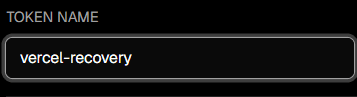
Name
Any label works (for example vercel-recovery).
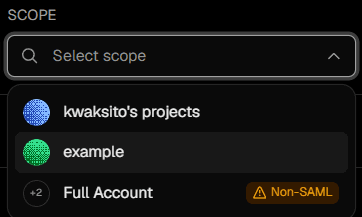
Scope
Choose the team or account that owns the project you want to recover.
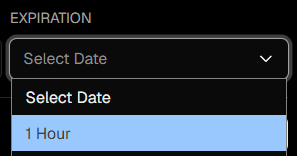
Expiration
1 hour is recommended — enough for a scan and download, then revoke or let it expire.
How to find team slug & project name
Both must match your Vercel dashboard exactly (same spelling and dashes).
- Personal / Hobby account: the team slug is often your Vercel username (not always a company name).
- Team account: use the team slug from the team switcher or from the URL — not the display name if they differ.
- Your token’s scope must include that same team, or the scan will fail with an authorization error.
Open the project in Vercel — the browser URL looks like:
vercel.com/[team-slug]/[project-name]
Example: vercel.com/example/number1